Mega Huge To-Do Lists View on Google Play Store
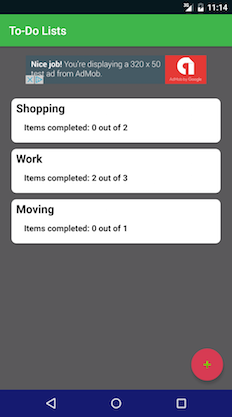
This is the home screen, where the user can view all of their current To-Do lists. They can create more lists by clicking on the + button at the bottom, as well as edit or delete existing lists by long pressing on one of them. To view the details of any list, they need only click on that list.
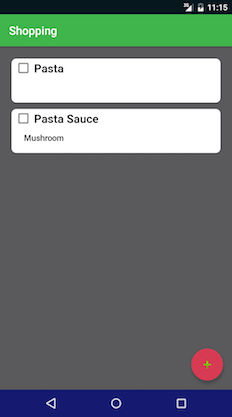
This is details of the Shopping To-Do list. Here the user can create more list items, check off completed items, and so on. The user can also input an optional description for each item.
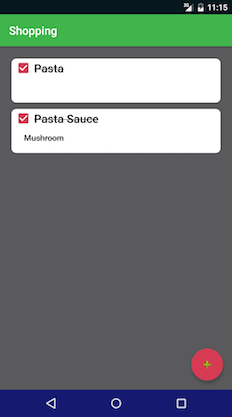
This is what completed list items look like.
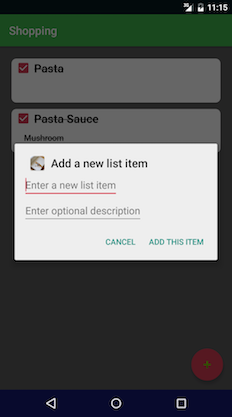
This is the dialog for editing items.